
Last Week's Work Notes
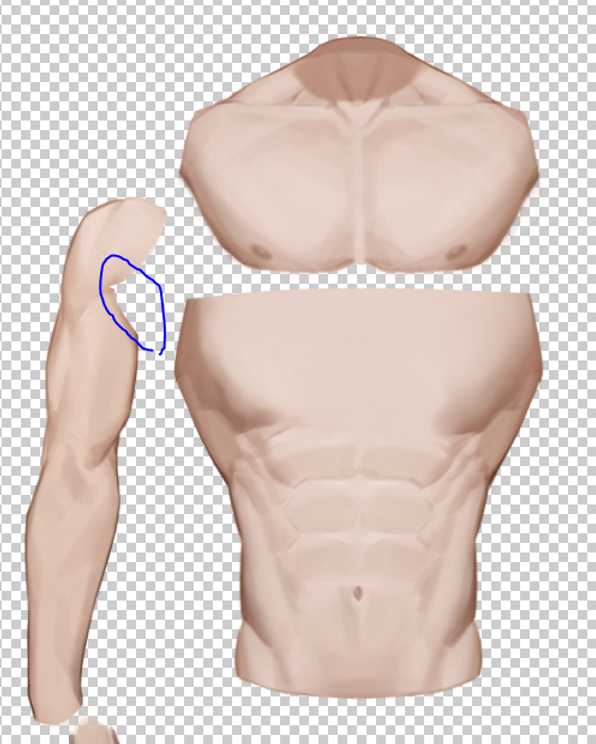
Last week I got a variant commission for 蛇皮老師's body.
I was worried the layer split would look weird, and I'm not great with soft-shading either (I really don't have a solid grasp on muscles), so before I even started splitting layers I went and dug up a bunch of anatomy reference — basically learning on the job XD
The part that hit me hardest was the arms and pecs. Here's what the original variant looked like ▼
The deltoid layer has to sit on top to connect with the trapezius, but that also means it has to line up with the pecs — which left a little gap missing right around the blue circle. So if you raise your arms in the nude version, the art straight-up breaks. And if you move the arm layer down instead, the deltoid ends up getting covered, which also looks off.
At first I figured, eh, it's fine if he's wearing clothes, no one'll notice (lazy brain moment) But then it hit me — this is 蛇皮老師 we're talking about! No nude option just isn't complete!!!!!!
So, to make sure everyone could enjoy the nude mode to the fullest, here's the fix I landed on ▼
Just duplicate a second deltoid layer on top and "glue" it in place — problem solved.
Also, not sure if anyone noticed, but the O-part is actually split into two separate pieces — that was intentional on my end, specifically so you all could discover even more ways to play with the O-part XD!!!
That covers the trickiest part of 蛇皮老師's variant commission.
There might be an even better way to handle it that I haven't thought of — if you know one, come tell me!!
--------------------I am a divider line-----------------
Also, the last couple days I've been teaching myself video editing to make model showcase videos. When it comes to recording Live2D footage, I used to just record straight through OBS — no fancy effects, no transitions, nothing — character and background baked together, hit record and just dump it out afterward lol
But then I got curious — what if I recorded without the background using OBS, could I get footage of just the character with no background? Turns out, nope. Once you drop it into an editor, the background just turns solid black. So I went digging around online and found a really solid tutorial, and I want to share it with you all — how to record video with a transparent PNG background!
Important note: this method only works well on mid-to-high-end computers — it's pretty demanding on performance, so be careful if your PC can't handle it Q Also, before you set this up, if you're someone who streams regularly, I'd recommend duplicating your scene separately so you don't mix it up with your actual stream setup.
First, go into Advanced settings and change your video settings to match the screenshot.
Then head to Settings > Output > Recording and update those settings too.
Next, under Video, 30 FPS is normally fine — but if your machine is an absolute beast, you can bump it up to 60 XD (Last time I misclicked and my whole computer basically caught fire lol)
And that's it — that's the setup for recording actual transparent-PNG-background video!
I heard from a friend that you can apparently also record your animation data in VTS first and then feed that data into Live2D to export the video, but that sounded like way too much effort for me, so I wanted a one-and-done solution, which is how I landed on this method~ Hope it helps you all too!
Keep reading
-
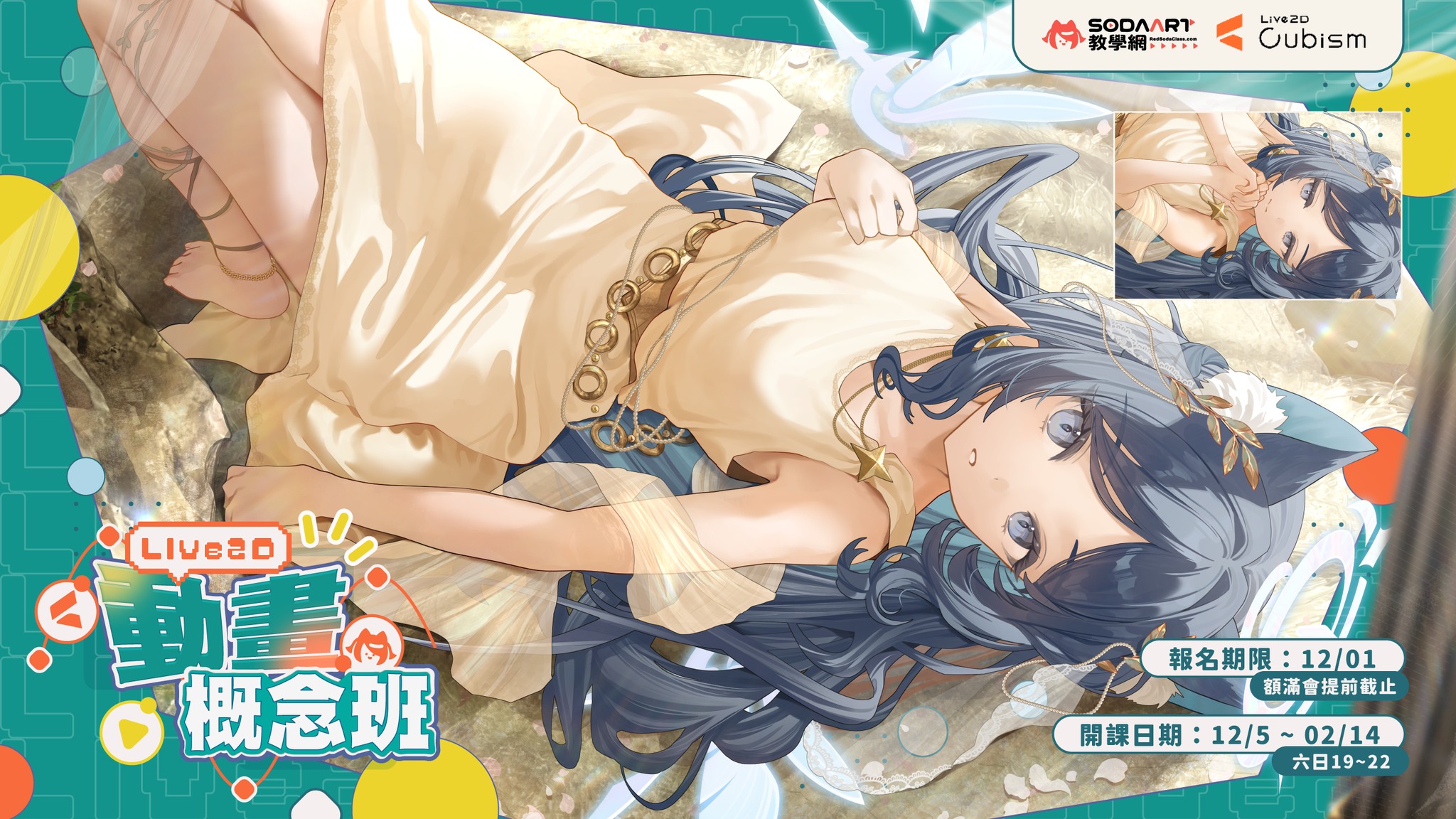
[Animation Class, Session 6 Enrollment]
An update on the Session 6 Animation Class course image: the collaboration illustration has been replaced, while scholarships and event rules stay the same.
-
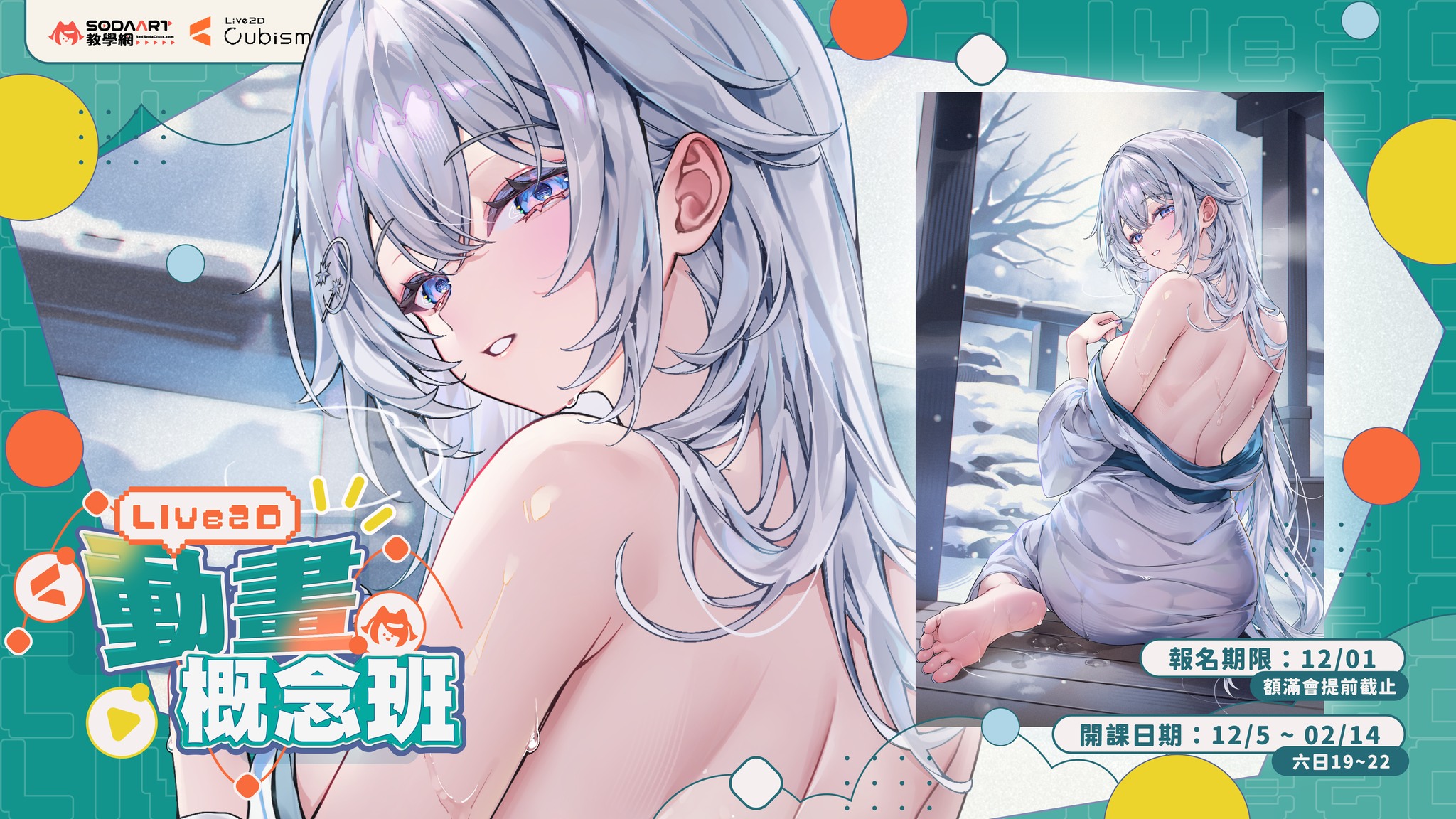
[Animation Class Cohort 6 Enrollment] Day 5: Refined large-format reference sheets are ready
Day 5 of Animation Class Cohort 6 enrollment, featuring refined reference sheets and a back-view illustration provided by 馬吉Machi老師.
-
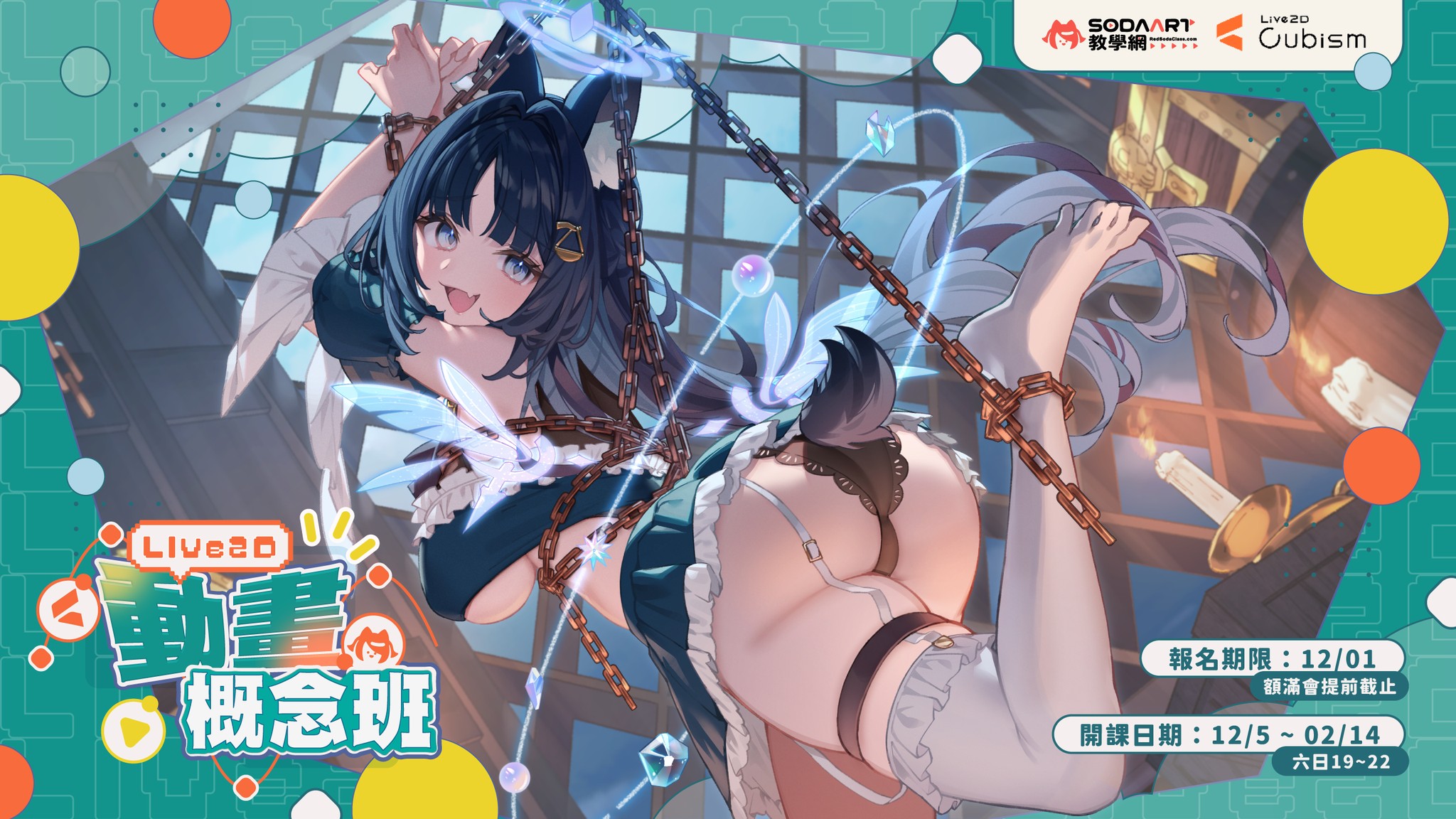
[Animation Concept Class, Phase 6 Enrollment Open]
Enrollment for Animation Class Phase 6 has been open for a week. This announcement introduces the collaboration with Meridian Project and the back-view reference by 祈Iruni, with a NT$20,000 scholarship for the selected work.